TABLEAU watch the over view at this link
Put together an Academy-Award winning professor from the nation’s most prestigious university, a savvy business leader with a passion for data, and a brilliant computer scientist. Add in one of the most challenging problems in software – making databases and spreadsheets understandable to ordinary people. You have just recreated the fundamental ingredients for Tableau.
This is a PC based, sorry Mac users 😦 online software program where you can input your data and it comes out looking beautiful – and easier to understand. You can buy the software, but you can also use the community online version for free. There are thorough tutorials that explain how to use it and a discussion forum on the site.
My son Kyle is in the Cognitive Studies program at UBC and they are working with several big clients and their data to ensure that the data can be understood and therefore be useful. Our data streams are relatively smaller, but complex. Perhaps this software can help you make your numbers more manageable.
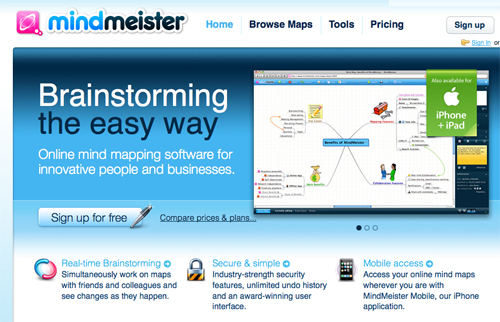
Mindmeister.com is an online mapping tool that allows you to collaborate to create maps. This software can also be run on mobile phones and devices.
Mindmeister is used in education for organizing information, sharing information, interactive mind-mapping tools for brainstorming and presenting information. You can Tweet the results, share them on Facebook, copy the link or embed in a website.
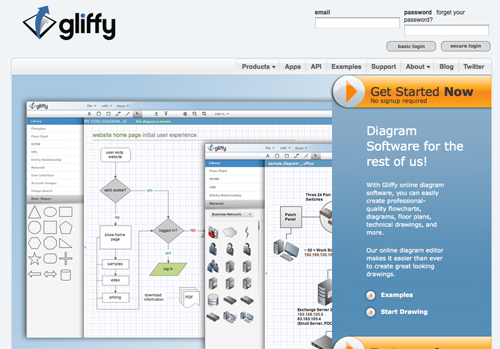
Gliffy.com
is an online diagram software program that allows you to create flow charts, diagrams, floor plans, web site map software, Venn diagram template, business process modeling etc.
You can collaborate on these diagrams: as long as the people you invite have a current web browser and internet access, they can see and edit diagrams, regardless of their location or computing platform. All users work off the most current version of the document. Save time by not emailing the file back and forth.




 Digitizeme