
Web Sites
When considering Continue reading “Web Site Choices”
Category: Technology
Screencast: A Private way to share videos and files
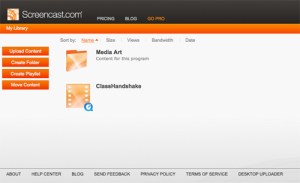
Screencast is a portal where you can post videos, tutorials and slide shows for students, parents or peers. It has a much more professional polished look than Youtube. This is what it looks like with a video playing:
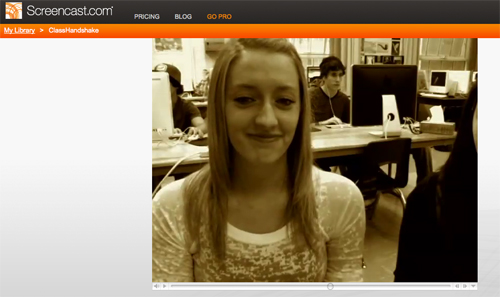
You can organize your content in folders and determine who will see the content with sharing permissions. You can embed the content into another web site or email the link. You can send specific invitations to people and give them permission to see the content. Or you can keep the content public and share the link with your class. Each folder can have various permissions attached to it. This is a free service with upgrades available for a price.
Bookmarking essentials
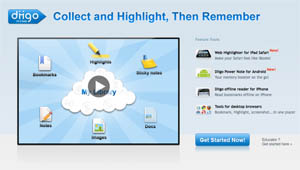
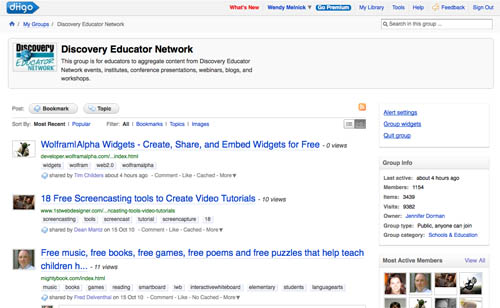
Diigo is a research tool that attaches to your web browser. You can then grab images, bookmark urls, highlight text, capture sections of the screen and organize this information in folders in a library. You can create a group for your class and share all the research that everyone does on the topic. You can also join an existing group relevant to your research. This is the Discovery Educator Network:
There are comprehensive tutorials HERE
More bookmarking tools:
Delicious http://www.delicious.com/
Google bookmarks http://www.google.com/bookmarks
Mind Mapping Tools
VUE http://vue.tufts.edu/
Bubble.us http://bubbl.us
An example of a mind map with bubbl.us:
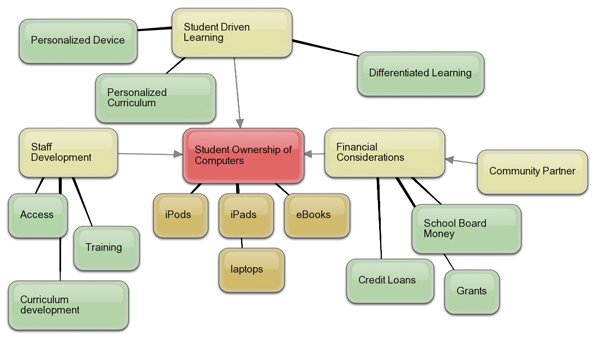
More robust mapping and diagram programs are listed on the Beautiful Numbers page of this blog.
PLNs and Google Home Page
You can organize the way that you view your online resources with platforms such as iGoogle and Netvibes
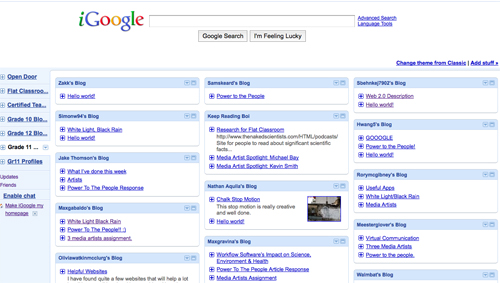
I use iGoogle for tracking my student’s blogs as you get a look at everyone’s blog at once and determine who has completed their work. I have a snapshot of the page here.
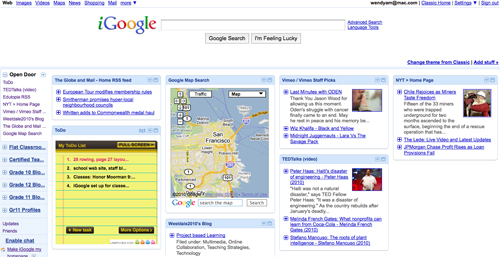
iGoogle is my home page and I use it to organize all of my favourite web sites plus there are gadgets that you can add to customize this page. Take a look here:
 Digitizeme